Quick Answer: Generating Realistic AI Voices
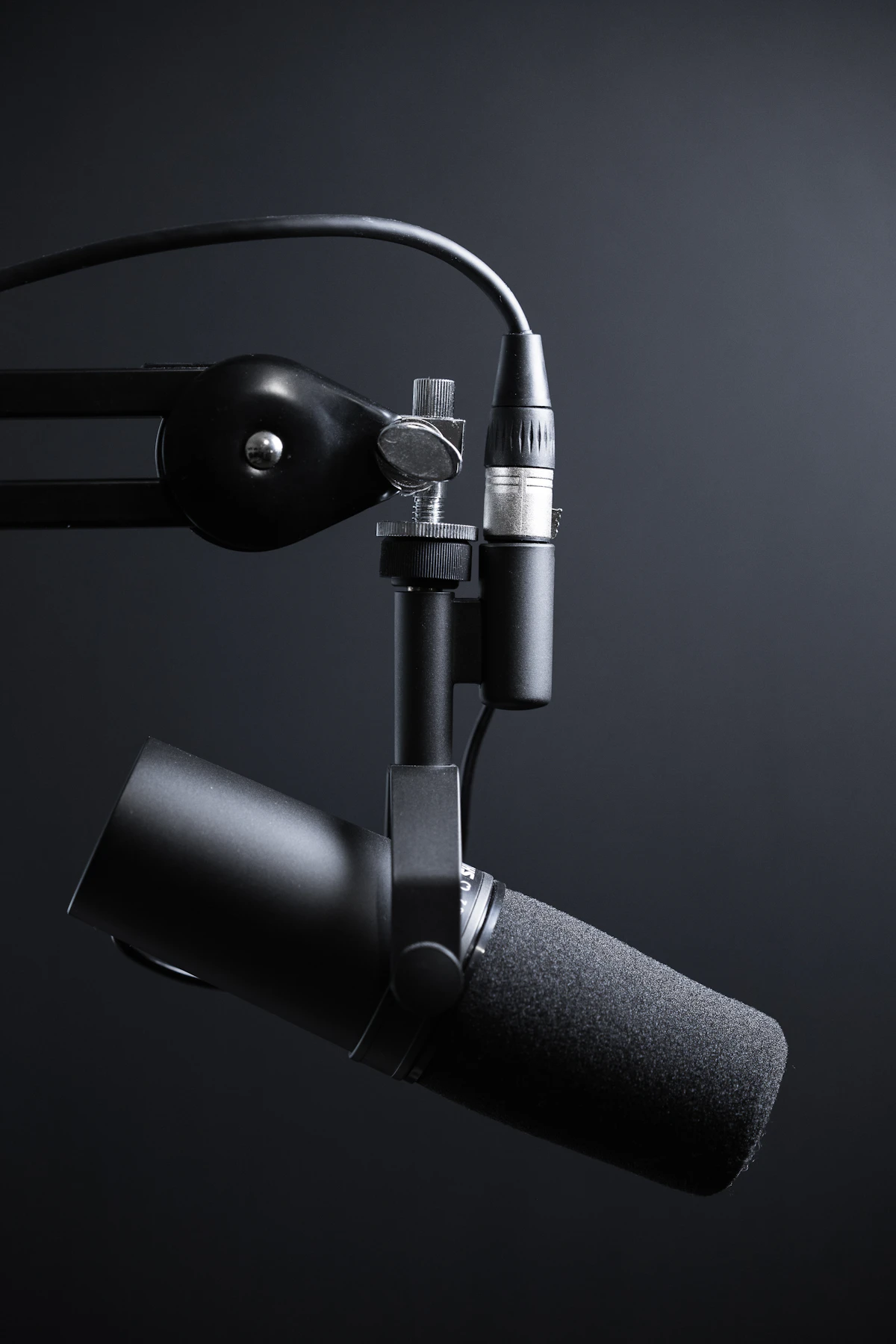
To create lifelike, high-quality voiceovers for your videos, paste your script into the UMtoons AI Voice Studio, select your preferred voice model and tone, adjust speed or pitch, and click Synthesize Audio. Download the clean MP3 file with zero watermarks.
Does YouTube Monetize AI Voiceover Channels?
Yes! YouTube's official monetization policies state that channels using AI-generated voices are eligible for the YouTube Partner Program (YPP) as long as the underlying video content provides genuine educational or entertainment value and avoids repetitive low-effort spam.
Proof: Neural Speech vs. Robotic Text-to-Speech
Legacy speech synthesizers sounded flat and monotone. UMtoons utilizes advanced neural acoustic modeling that captures natural human breathing pauses, syllable cadence, and emotional emphasis.
Create Your AI Voiceover Now
Monetization Ready • Natural Accents • 100% Free
Launch AI Voice Studio